Splunk MCP CVE-2026-76286: a custom API tool could expose a user's token
Check Splunk MCP Server 1.2.1, tool administrators and configured destinations. AI integration approval needs a clear assessment of credential handling.
- AUTHOR
- Karol Rapacz / CEO of Breachroad · OSCP · PNPT
- PUBLISHED
- 9 October 2026
- READING TIME
- 5 min read
- TOPIC
- AI Security
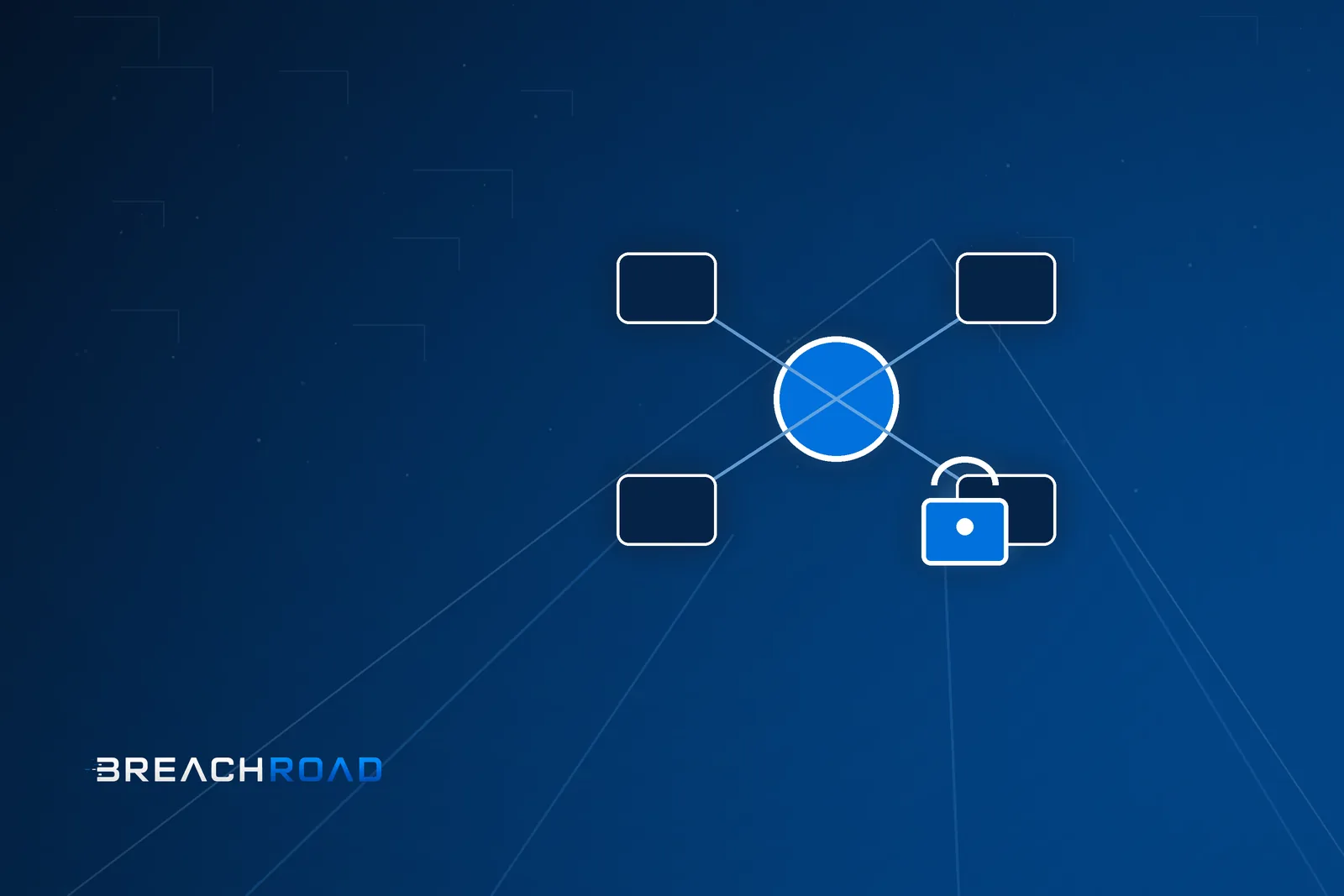
On October 7, Splunk published SVD-2026-1004 for CVE-2026-76286. In MCP Server versions before 1.2.1, a custom API tool could send a platform token to its configured URL. The vendor recommends 1.2.1 or later; its listed workaround is turning off or removing the MCP Server app.
Breachroad recommends combining the update with a review of tool owners, destinations and the users making calls. A tool’s name in an assistant is insufficient to establish where credentials go.
The token belongs to the user running the tool
The CVE record describes capture of the executing user’s token when another user controls the tool’s URL. The captured token can enable data access and actions as that user. The scenario requires a user with mcp_tool_execute to run the configured tool.
Breachroad’s conclusion is that permission to use an integration and the ability to change its destination are separate parts of the assessment. The team should know who prepared the definition, who approved it and whether the destination or execution parameters have changed since approval.
We do not present this issue as an attack available to anyone without an account. The vendor’s scope includes roles and tool execution. Administrators should map that path in their particular instance rather than stop at the general observation that their organisation uses MCP. A useful assessment connects a reported condition to an actual configuration.
Separate administration from execution
The configuration documentation distinguishes mcp_tool_admin, covering tool management and token creation, from mcp_tool_execute, allowing tool use. Review both capabilities’ assignment to roles and users.
We suggest recording why access is needed and who approves changes. Someone analysing alerts does not automatically need permission to add integrations. For shared accounts, establish whether the team can reliably identify the executor and assess the account’s access scope.
Also review roles left behind by an earlier pilot. Access decisions should match the current task, rather than simply reflect that someone configured the service in the past. The owner should be able to identify a quick route for removing unnecessary permissions and the person authorised to take that action.
Check the tool definition and deployed version
The custom-tool documentation describes SPL and API execution and fields such as destination, method and headers. These are starting points for a configuration review.
Our proposal is to record the owner, agreed destination, required credentials and latest approval for every active tool. Assess destination changes with the integration’s responsible team. Avoid investigating a suspected leak by sending a real token to an external service.
Confirm the MCP Server app version on the instance serving users. Include replicas or the cluster in the update plan and check that approved tools continue to work. If the update must wait, assign an exception owner and agree on disabling the app in line with the vendor’s recommendation. Record the decision and when it will be reviewed.
If you suspect an earlier disclosure
We recommend preserving the tool definition, change history and available call records. The response team should determine whether the tool ran, which address it contacted and what permissions were involved. Where credential disclosure is suspected, include revocation and assessment of subsequent actions in the response.
These are Breachroad’s recommendations, rather than confirmation of an incident in your environment. Connecting the user, configuration and destination helps determine an event’s scope. Our MCP security guide provides wider context. Through cybersecurity and secure AI training for organisations, teams can practise tool approval, credential assessment and reporting unexpected assistant actions.